
Your media. In a browser or on mobile.
Kinosail Server is free to run on your own hardware. The web Player is included. You can also connect compatible Jellyfin mobile apps after you set up trusted HTTPS and enable Jellyfin support.
Bring movies, shows, music, books, and photos together in one library. Watch them in a browser or a compatible Jellyfin mobile app.
On a NAS or Proxmox VE, get the importable Player and Subtitles files for Synology, TrueNAS, QNAP, CasaOS, Portainer, and Unraid.
From Server to first play
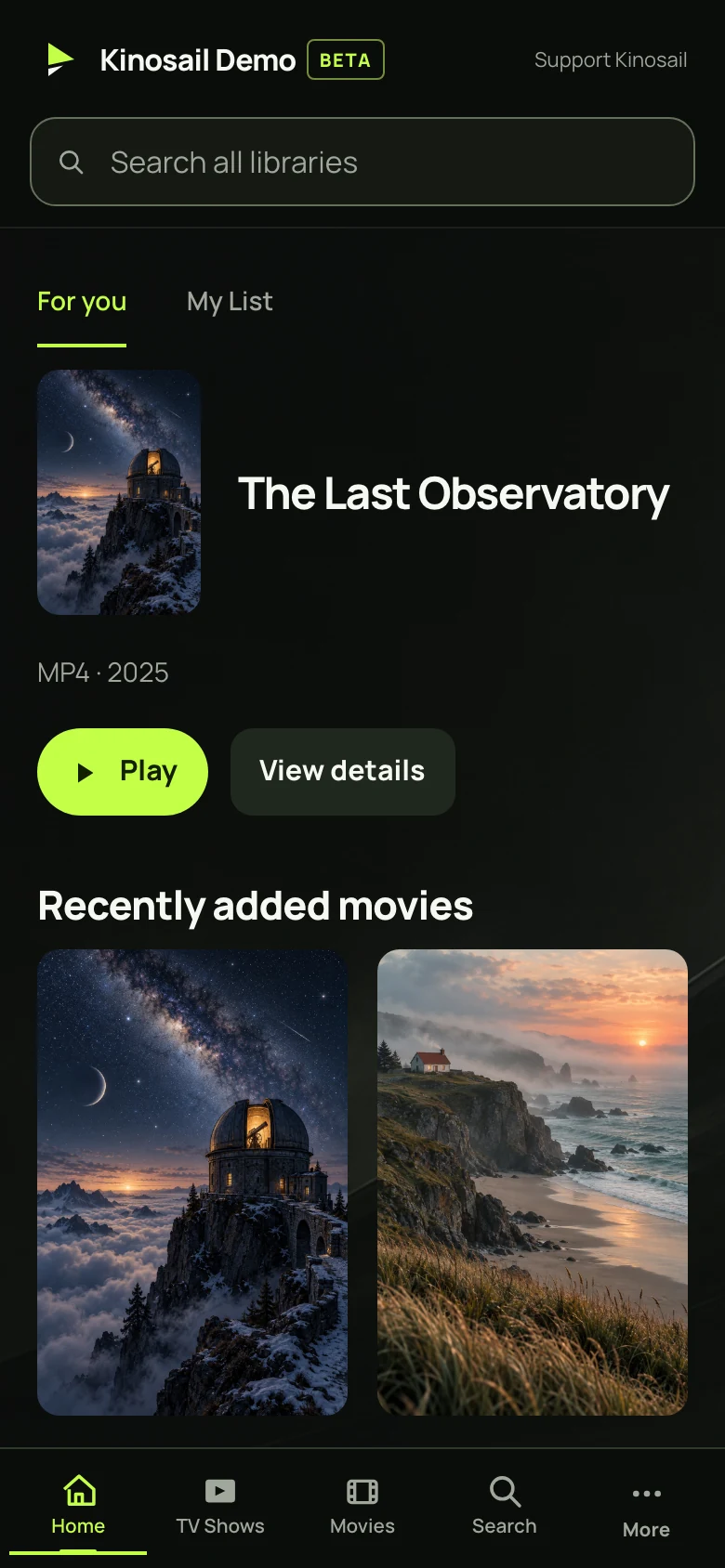
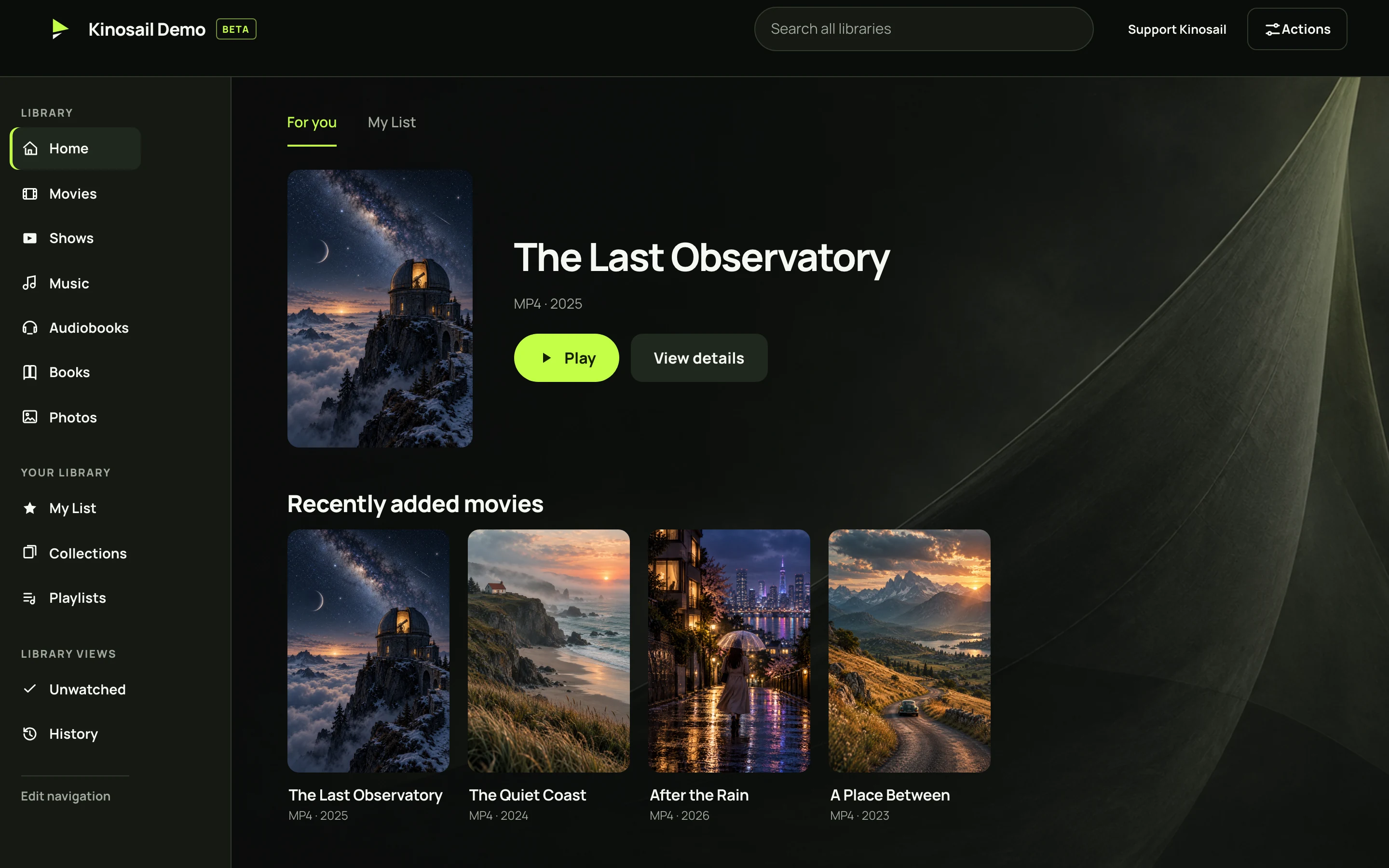
Already watching?
Read the Player feature guide for details about watching, reading, offline use, Server management, the API, and MCP.
- Use another browser. Connect it to your home network.
- Use a Jellyfin mobile app. Turn on compatibility and connect. Trusted HTTPS is required.
- Bring your viewing history. Keep your media folders and preview a viewing-history import.
- Share your Server with the household. Set up Viewer Profiles.
- Look after your library. Plan backups and updates.
- Something isn’t working? Start with the symptom.
Built around your privacy
Local use does not need a Kinosail account. Your Server sends media directly to the web Player or a compatible Jellyfin mobile app. It mounts your original media as read-only. Owners control each Viewer Profile’s library and playback access.
Read Architecture and privacy to learn where the Server stores data and what optional services can access. Kinosail is source-available under the PolyForm Perimeter license.
Read the Security overview for account, API, network, and data protections. It also explains what you must protect on your host and how to report a vulnerability privately.
Building on Player?
The Developer guide covers the versioned API and MCP. Build from source to contribute or try code that is not released yet.