 Kinosail
Free · Self-hosted · No account
Your own streaming service.
On hardware you own.
Kinosail Player is a free, source-available media server for movies, shows, music, audiobooks, books, and photos.
A private alternative to Plex, Jellyfin, and Emby that runs in one Docker container.
No Plex Pass. No Premiere. No subscription for remote streaming or hardware transcoding.
Quick start
Running in five minutes.
- Install Docker on 64-bit Linux (amd64 or arm64), a NAS, or Proxmox. Docker Desktop on macOS works for local use.
- Start Kinosail with Docker Compose or
docker run. Change the media path to your folder. It is mounted read-only, so your files stay untouched. - Open
https://localhost:38127, create the Owner, add a passkey, and add/media/Moviesas a library.
Prefer a NAS app or a signed, pinned install? Docker quickstart · NAS, Unraid, TrueNAS, Proxmox
Save as compose.yaml, set your media path, then run docker compose up -d.
name: kinosail

services:
  kinosail:
    image: ghcr.io/kinosail/kinosail-player:latest
    container_name: kinosail
    restart: unless-stopped
    init: true
    user: "10001:10001"
    read_only: true
    cap_drop: [ALL]
    security_opt:
      - no-new-privileges:true
    ports:
      - "127.0.0.1:38127:38127"
    environment:
      KINOSAIL_DATA_DIR: /config
      KINOSAIL_CACHE_DIR: /cache
      KINOSAIL_MEDIA_DIR: /media
    volumes:
      - config:/config
      - cache:/cache
      - backups:/backups
      - /path/to/your/media:/media:ro
    tmpfs:
      - /tmp:rw,noexec,nosuid,nodev,size=256m
      - /run:rw,noexec,nosuid,nodev,size=16m

volumes:
  config:
  cache:
  backups:
docker compose up -dSet your media path, then run the command.
export KINOSAIL_MEDIA_PATH="/absolute/path/to/your/media"

docker run --detach --name kinosail \
  --restart unless-stopped --init \
  --user 10001:10001 --read-only \
  --cap-drop ALL \
  --security-opt no-new-privileges:true \
  --publish 127.0.0.1:38127:38127 \
  --mount type=volume,source=kinosail-config,target=/config \
  --mount type=volume,source=kinosail-cache,target=/cache \
  --mount type=volume,source=kinosail-backups,target=/backups \
  --mount "type=bind,source=${KINOSAIL_MEDIA_PATH},target=/media,readonly" \
  --tmpfs /tmp:rw,noexec,nosuid,nodev,size=256m \
  --tmpfs /run:rw,noexec,nosuid,nodev,size=16m \
  --env KINOSAIL_DATA_DIR=/config \
  --env KINOSAIL_CACHE_DIR=/cache \
  --env KINOSAIL_MEDIA_DIR=/media \
  ghcr.io/kinosail/kinosail-player:latest
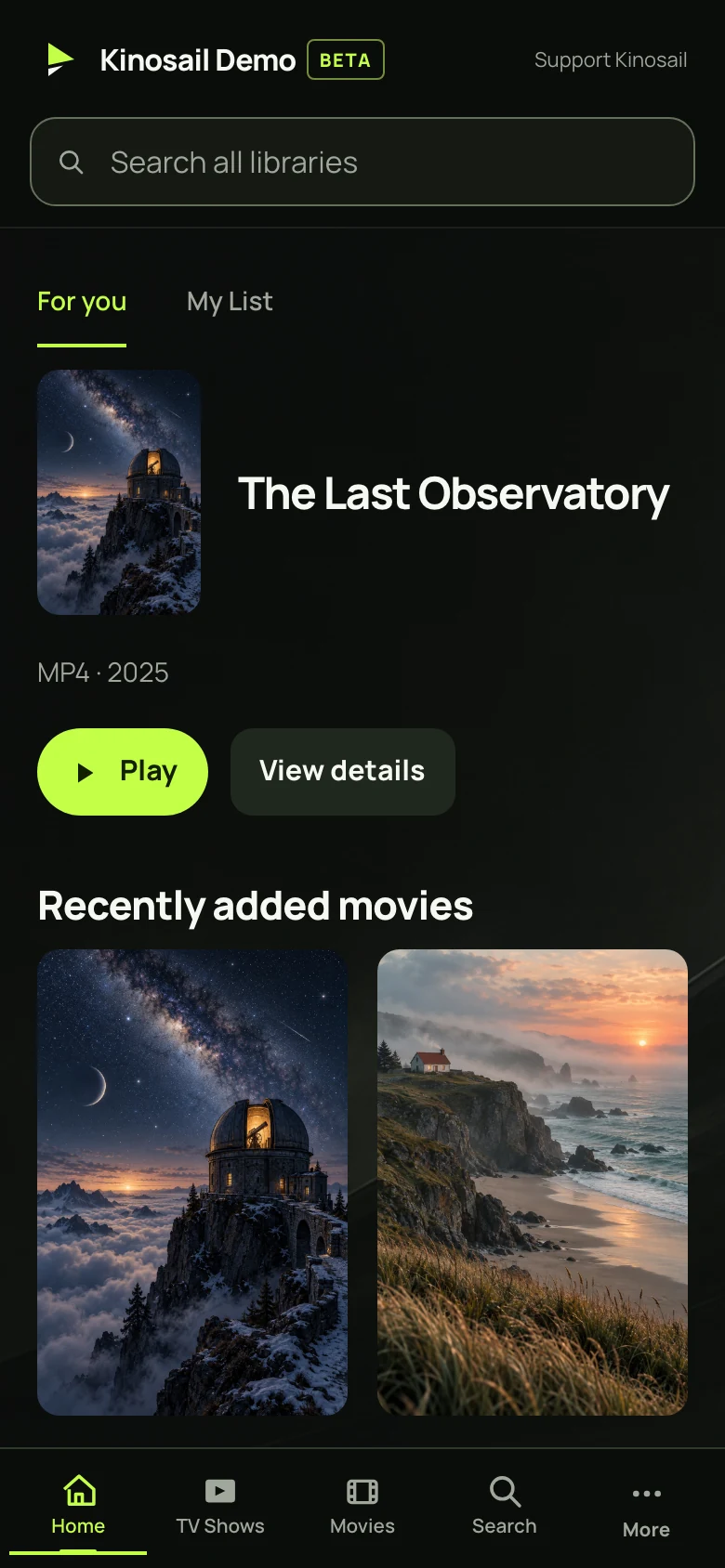
See it running
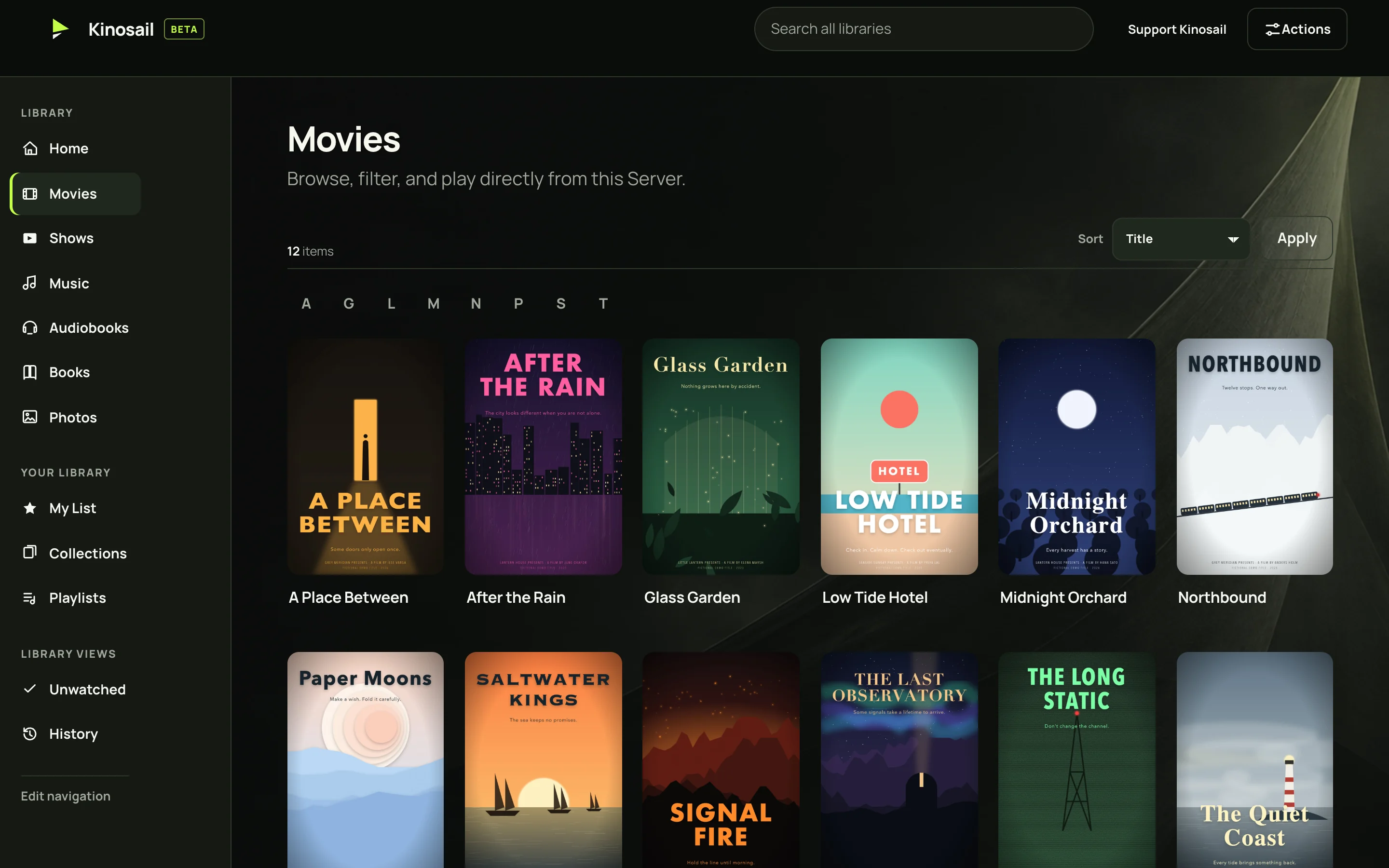
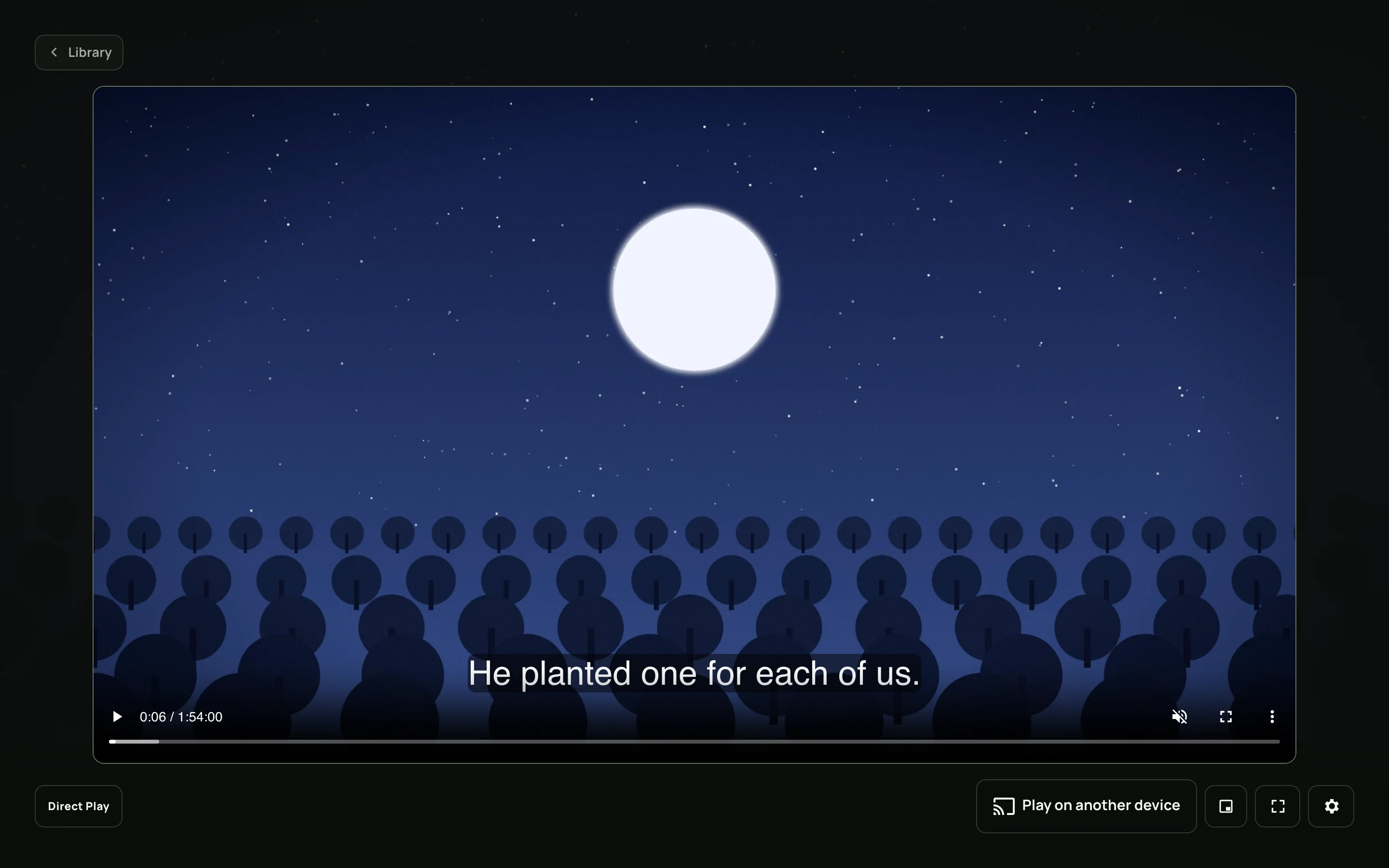
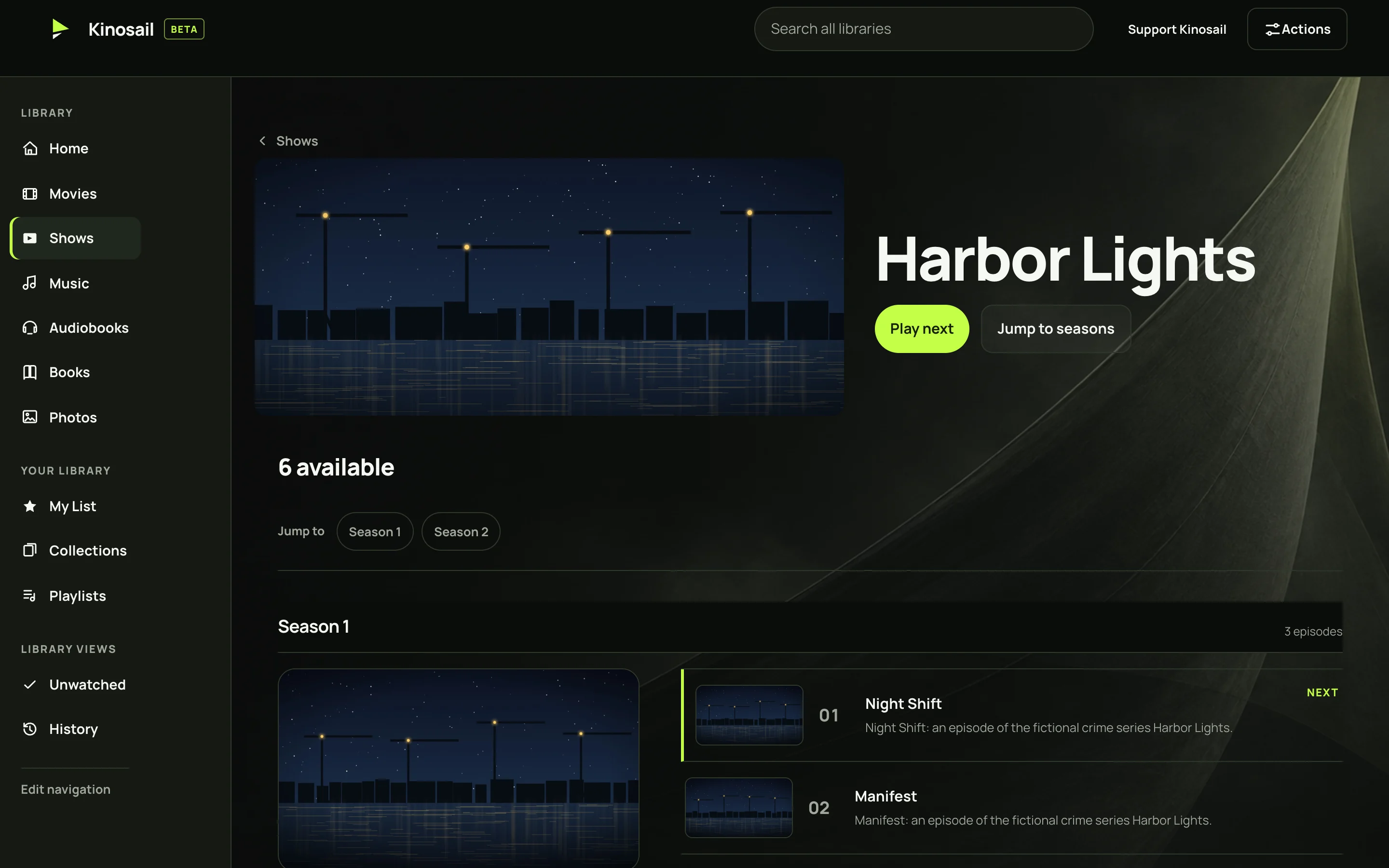
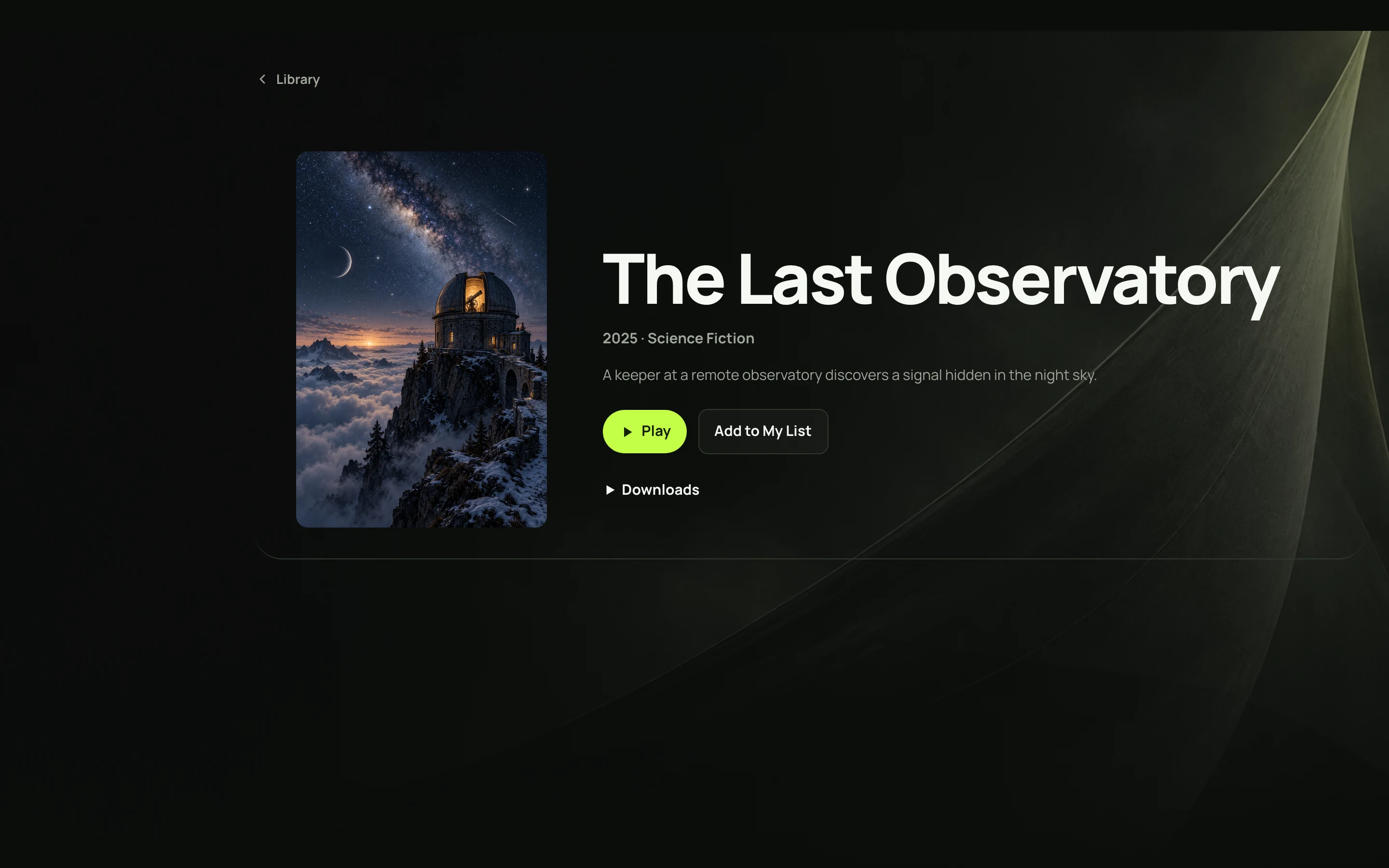
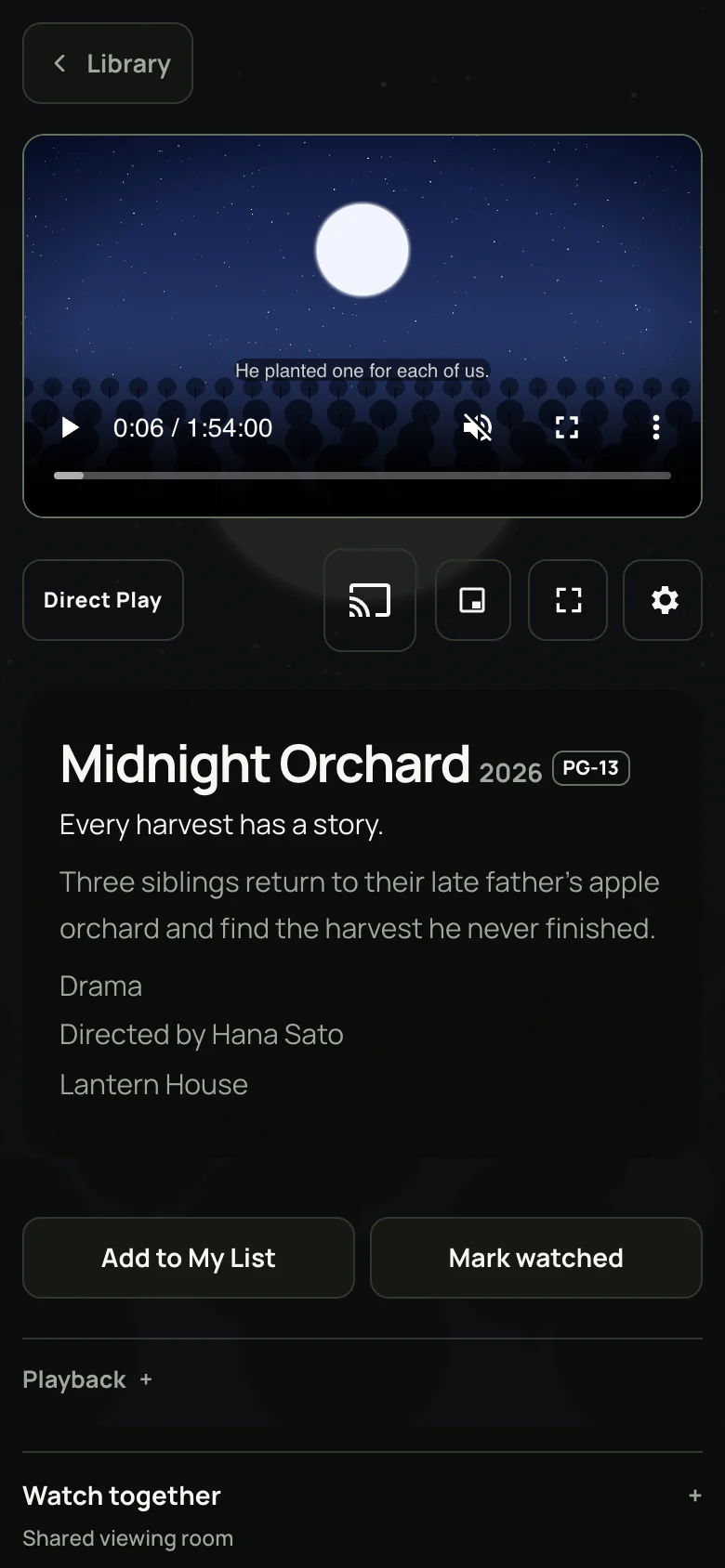
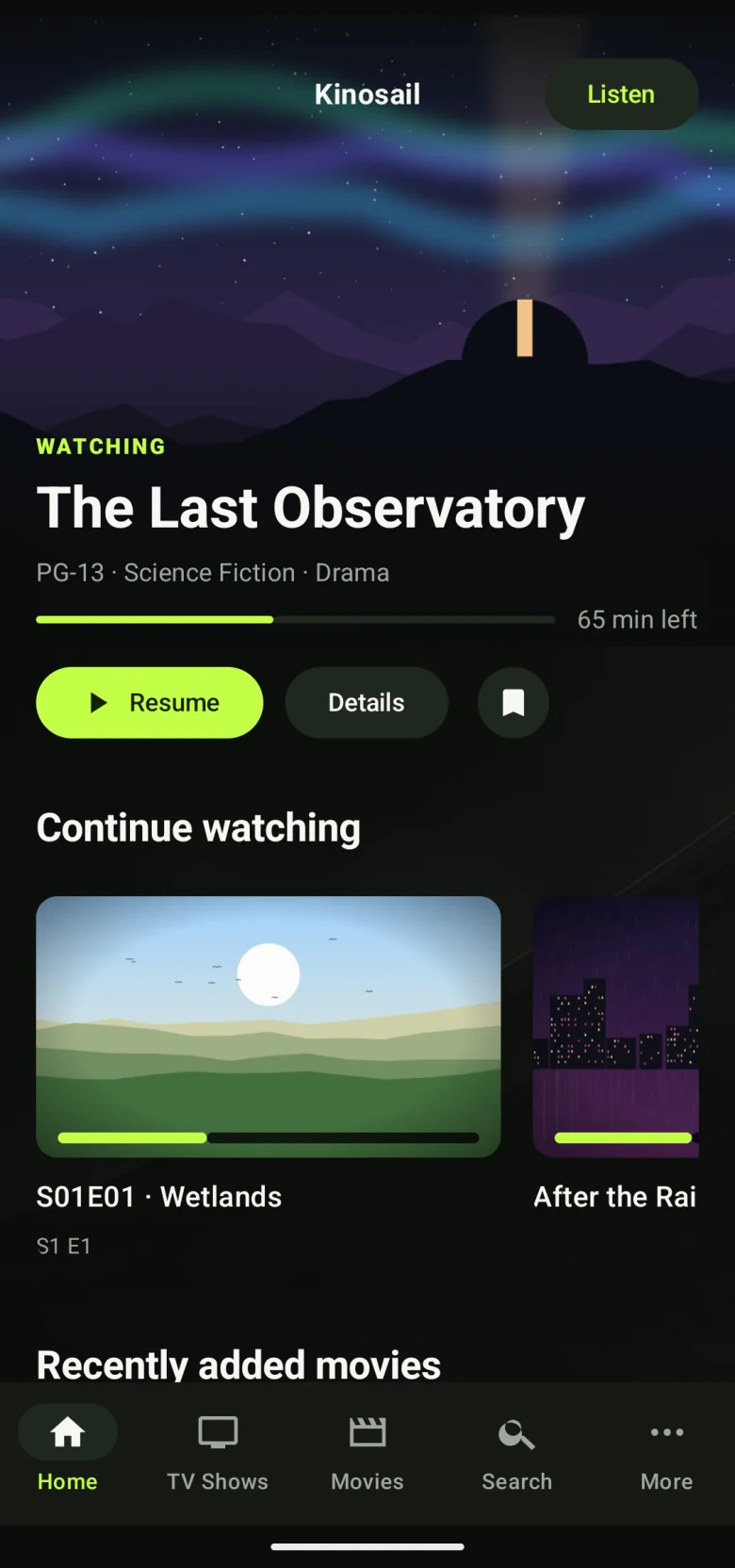
Real screens. Fictional films.
Every image is the actual Kinosail Player on a test Server. The films, posters, plots, and videos were made up for the demo.
Everything included
The features other servers charge for.
Every kind of media
Movies, TV shows, music, audiobooks, books, comics, and photos share one library and one search.
Media types ↗Direct Play first
Kinosail sends the original file when the device can play it. It converts only when a device needs it.
Playback guide ↗Free hardware transcoding
Use Intel Quick Sync, NVIDIA, AMD, VA-API, Apple VideoToolbox, or Rockchip. HDR can be adjusted for non-HDR screens.
Configure playback ↗Watch away from home
Stream over your own HTTPS address. There is no relay, no remote pass, and no third-party account.
Remote access ↗Skip intros and credits
Kinosail finds intros, outros, and credits after each scan. Add or correct markers yourself.
Skip markers ↗A profile for each person
Viewer Profiles keep progress separate and limit libraries. Owners sign in with passkeys and multi-factor authentication.
Profiles ↗Play on any screen
Send video to AirPlay, Google Cast, and DLNA receivers, or connect a compatible Jellyfin app.
Connect devices ↗API and MCP
Automate with a versioned HTTP API, or let an AI assistant search and play through MCP.
MCP guide ↗Compare
How Kinosail compares with Plex, Jellyfin, and Emby.
| Feature | Kinosail | Plex | Jellyfin | Emby |
|---|---|---|---|---|
| Server price | Free | Free, with paid Plex Pass | Free | Free, with paid Premiere |
| Remote streaming of your media | Free | Plex Pass or Remote Watch Pass | Free | Free |
| Hardware transcoding | Free | Plex Pass | Free | Premiere |
| Skip intro and credits | Free | Plex Pass | Plugins | Premiere |
| Vendor account required | No | Yes | No | No |
| TV apps in app stores | Not yet | Yes | Yes | Yes |
| Live TV and DVR | No | Yes | Yes | Premiere |
| Lifetime price | $0 | $749.99 Plex Pass | $0 | $119 Premiere |
| License | Source-available | Proprietary | Open source (GPL-2.0) | Proprietary |
Checked October 26, 2026, against each vendor's own pages. Prices are in US dollars. Each comparison page lists its sources.
Switch without starting over.
Run Kinosail beside your current server on the same folders. Your media stays read-only, so nothing changes until you decide.
Import watched state and resume positions from Plex or Jellyfin. Preview every match first, then keep a recurring sync while your household tries it.
Import your historyWhy I built Kinosail.
I wanted more control over my personal media library. I built Kinosail for that, and I use the project to learn AI engineering. AI tools help me write and test the code.
Read the project storyCommon questions.
What is Kinosail?
Kinosail Player is a free, self-hosted media server with a built-in web player. It reads the media folders you already have and organizes movies, TV shows, music, audiobooks, books, comics, and photos into one library. It runs as one Docker container on Linux, a NAS, or Proxmox.
Is Kinosail a good Plex alternative?
Kinosail suits people who want Plex-style browsing without a Plex account or a paid pass. Remote streaming, hardware transcoding, and skip intro are included for free, and you can import watched history from Plex. Plex still has more store apps and live TV. Compare Kinosail and Plex.
How is Kinosail different from Jellyfin?
Both are free and need no account. Kinosail adds passkeys and multi-factor sign-in, a hardened single container, Watch Rooms, and an MCP server for AI assistants. Compatible Jellyfin mobile apps can connect to Kinosail, and you can import Jellyfin watched state and favorites. Compare Kinosail and Jellyfin.
Do I have to pay for remote streaming or hardware transcoding?
No. The Kinosail Server, the web Player, remote streaming, hardware transcoding, and skip markers are free. There is no paid tier to unlock them.
How do I install Kinosail with Docker?
Install Docker, choose your media folder, and start the published container with Docker Compose or one docker run command. Then open https://localhost:38127 and create the Owner. The Docker quickstart has copy-ready commands.
Can I watch on my TV and phone?
Yes. The web Player works in modern desktop and mobile browsers. Play on another device sends video to AirPlay, Google Cast, and DLNA receivers. Compatible Jellyfin apps for iOS and Android can connect. Native Apple and Android apps, including Apple TV and Android TV, are available as source builds; store releases are not available yet. Connect your devices.
Can I bring my watch history from Plex or Jellyfin?
Yes. Kinosail imports watched state and resume positions from Plex or Jellyfin into a Viewer Profile, with a preview before anything changes. You can also keep a recurring sync while you test. Import your history.
Does Kinosail change my media files?
No. Kinosail mounts your media folder read-only. It stores its own data in separate Docker volumes, so you can run it beside Plex, Jellyfin, or Emby on the same files.
Do I need a cloud account?
No. You create the Owner on your own Server. Kinosail does not operate an account service, media relay, or analytics service. Read about privacy.
Is Kinosail open source?
Kinosail is source-available under the PolyForm Perimeter License 1.0.1. You can read, build, and run the code for free. The license limits building a competing product, so it is not OSI-approved open source. Read the license.
Can I connect an AI assistant?
Yes. Kinosail includes a Model Context Protocol (MCP) server and a versioned HTTP API. You choose the access each connection gets. Connect an MCP client.
Need subtitles beside your videos?
Kinosail Subtitles is a separate, free server that checks movie and episode coverage, finds matches from configured providers, and saves validated sidecar files on your own hardware. It is a self-hosted alternative to Bazarr.
Explore Kinosail SubtitlesIts media mount is writable so it can save subtitle files. Player keeps its media mount read-only.
Ready to install?
Use the Docker quickstart, or install on a NAS or Proxmox with a prepared container file.
Install with Docker